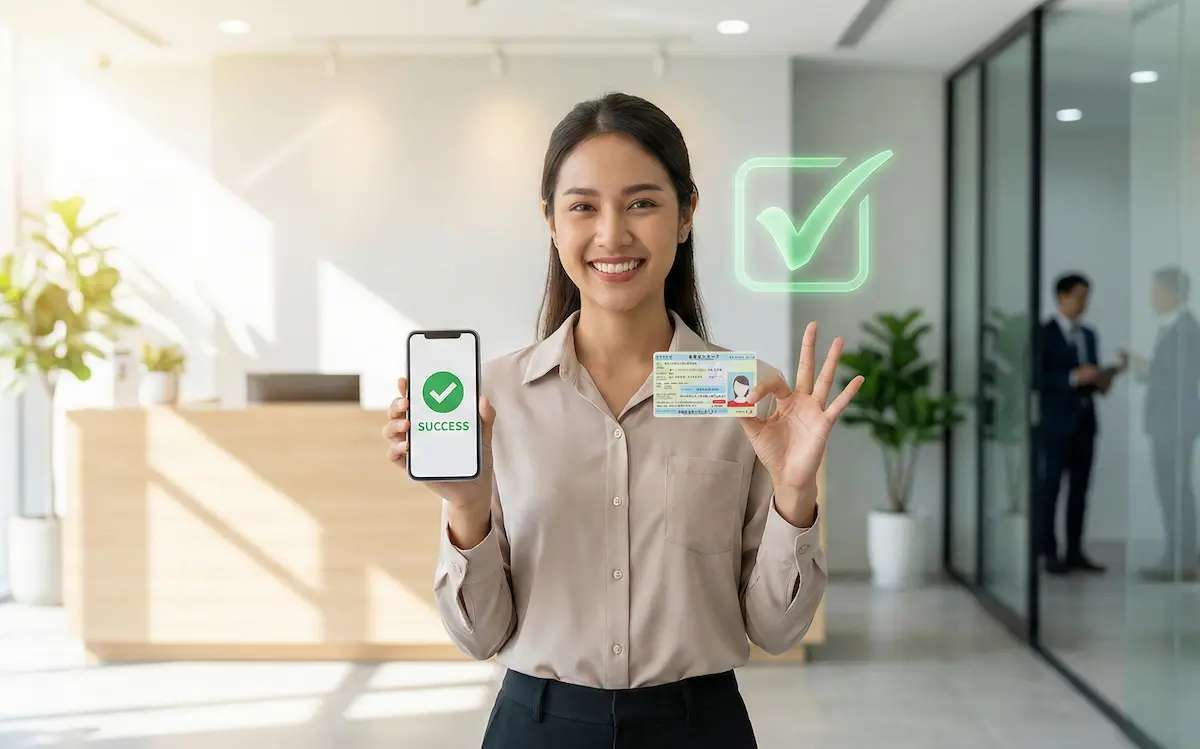
Hi! It’s Sensei.
“I want to apply for a SIM, but the Japanese input is difficult and results in errors…”
“I was not approved… why?”
I get many consultations like that.
Actually, 90% of the reasons why foreigners fail the SIM screening are mistakes in writing “Name” and “Address.”
Today, I will teach you the “Rules for Correct Input” so that you will never fail the screening.
If you enter your information while looking at this screen, you should be able to get a contract in one go!
STEP 1: If you don’t want to change your phone number (MNP)
If you want to keep your current phone number (080-xxxx-xxxx), you need an “MNP Reservation Number (MNP Yoyaku Bango / MNP予約番号)” before applying.
If you are fine with a new number (New Contract), you can skip this step!
How to get an MNP number:
Just select “MNP Issue (MNP Hakkou / MNP発行)” from your current mobile company’s My Page (My Softbank, My docomo, etc.), and you will receive the number immediately.
STEP 2: How to write your Name (Most Important!)
This is where most people make mistakes.
There is only one rule: “Write it exactly as it appears on your Residence Card (Zairyu Card / 在留カード).”
❌ Common Failures (BAD)
- Not writing your middle name (NG!)
- Changing the order of names (NG!)
- Writing in lowercase letters (abc) (NG!)
⭕ Correct Way (GOOD)
Write everything in “CAPITAL LETTERS (Omoji no Romaji / 大文字のローマ字).”
Example: NGUYEN VAN A
※If “Furigana (Katakana)” is required on the application screen, enter it in Katakana like:
ヌグエン バン エー
Many sites don’t have a “Middle Name” field, right?
In that case, write your middle name together in the “First Name (Mei / 名)” field.
(Example: Surname: NGUYEN / First Name: VAN A)
STEP 3: Address Numbers and Room Numbers
“1-2-3” and “1-2-3” are different characters to a computer.
If you get an error, try making the numbers “Half-width (Hankaku / 半角).”
Don’t forget the Room Number!
If you live in an apartment, you must write the “Room Number (Heya Bango / 部屋番号).”
If you don’t enter it exactly as written on your Residence Card, the SIM card won’t be delivered and will be sent back.
STEP 4: Photo of Residence Card
Finally, take a photo of your Residence Card and upload it.
There are 3 points to note here.
- 📸 Is the light reflecting? (If the text is unreadable, it’s NG)
- 📏 Is a “thickness” (diagonal) photo required? (Rakuten, etc., require this)
- 📅 Has the expiration date passed?
Summary: You’ll be fine if you enter it carefully!
Good job!
If you follow these 3 points (Name, Address, Photo), you will definitely pass the screening.
If you get confused on the input screen, come back to this page and check.
Now, let’s get your new SIM card!
👇 Go back to the Recommended SIM Ranking
📱 See 3 Recommended SIM Cards